
The Place We Met - Social Media
Select a Social Media Image Below
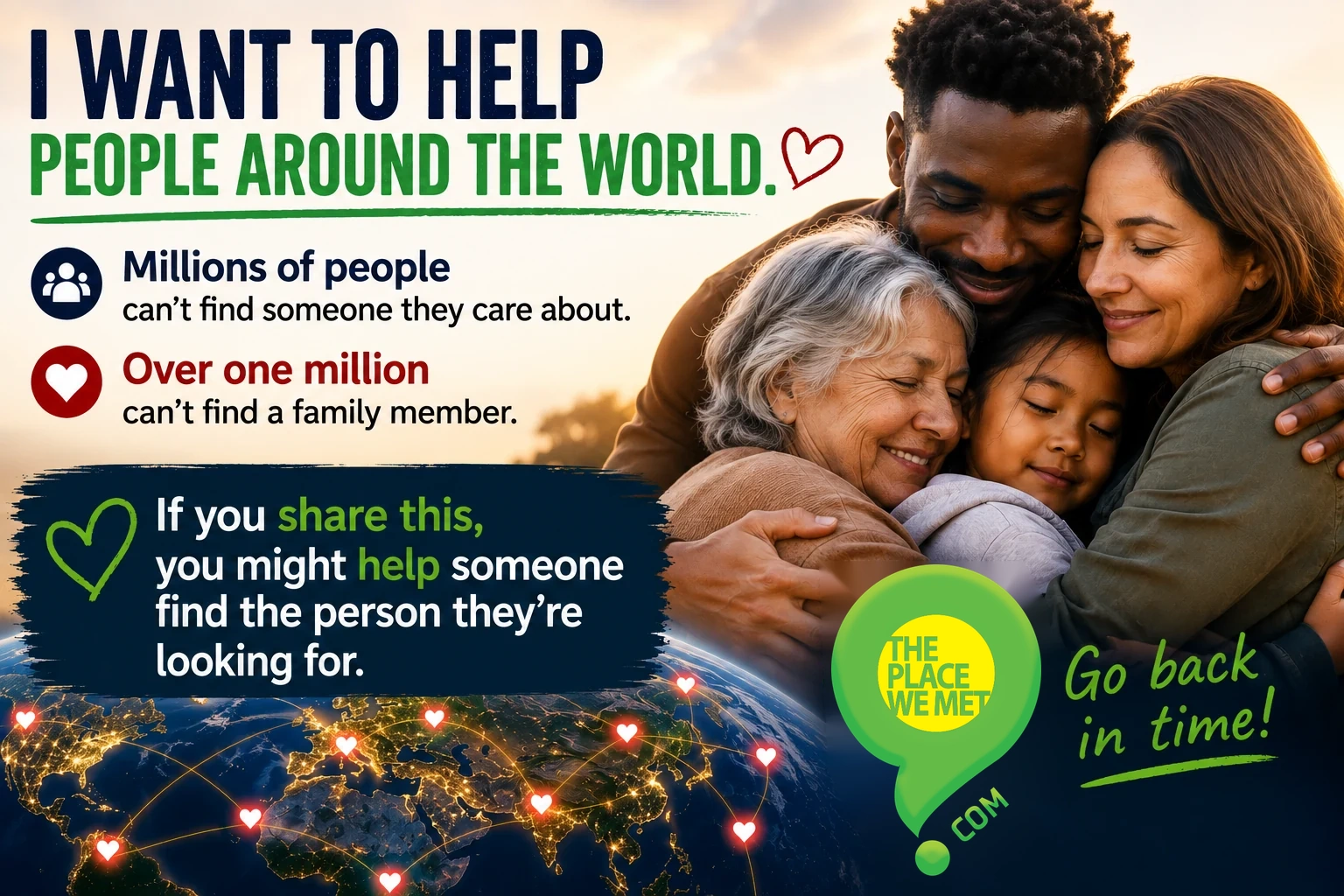
If everyone that desperately wants to reconnect with someone posts one of the images below OFTEN, we estimate that the person you want to find will hear about THE PLACE WE MET within six months. If others also post often, you will be able to reconnect much sooner!
More Social Media Images





Met Volunteering















More Social Media Images
Feel free to create a graphic that promotes YOUR business & post it online and in your establishment. Example: Reconnect With Someone You Met At Julie's Pub.
We believe you will get more regulars when there is a common knowledge of a way to reconnect. Let us know so we can also promote your business!
It's super easy to create your own graphic using our template:
1) Click the link below to bring up our template document in Microsoft Word.
template document
2) Change the text to what you want it to say.
3) Click below the image to make sure no small editing icons remain.
4) Click Control-N to bring up a new document.
5) In the new document click INSERT SCREENSHOT/SCREEN CLIPPING.
6) Watch the image import into the new document & the mouse pointer change to a black cross
7) Position the black cross in the top left corner where you want to start cropping the image - leave some white space around the edges.
8) Click the left mouse button and drag the black cross to the bottom right of the image - also leave white space at the bottom.
9) Let go of the mouse when you have defined where you will crop the image (leaving white space around the edges).
10) Right-Click and select SAVE AS PICTURE - pick a directory to save in and give the image a name.
11) There is no need to save the 2nd document that comes up.
An Innovative Dating Tool!
If you want to show interest in someone without being too forward, just say: find me at theplacewemet.com. It’s a new web app to reconnect with people you meet.
There’s no need for them to have an app installed. They can just go to the site later and put in a location/date search. If interest is mutual, you’ll reconnect, GUARANTEED. If one party isn’t really that interested, they will NEVER know that the other person put in a search. It’s fairly rejection proof. Try it!
You can refer people with the QR code below.

AMP 90.3 Calgary Radio Ads
The creative team with Stingray Radio's AMP 90.3 in Calgary came up with a couple of great ads to help us promote THE PLACE WE MET. You can hear them by clicking the photos above. Please feel to share!
Historic Day Coming Soon
Click To Share
THE PLACE WE MET is going viral because people are starting to say: find me at theplacewemet.com when they meet somebody they'd like see again. Join the movement, try it!
When it does go viral it will be the first time in human history that any two people on earth can QUICKLY & EASILY find each other.
Help make this historic day come faster by sharing THE PLACE WE MET often. Thank you!
How Does It Work? (Video)
The app searches by date (or date-range) and a GPS location. You don't need to know the name of the person you are trying to find. Both parties receive an email IMMEDIATELY when they match. No need to be constantly checking.
A word match narrows down results if there are several for a given location (example: a concert). People don't have to be using the app or even be aware of it on the day they meet. Searches are made after the fact. See THREE EASY STEPS tab below. Both parties MUST be searching for each other. That's why everyone is sharing the APP. The person you seek needs to know about it.
People are starting to say find me at theplacewemet.com after they meet someone they want to see again. Try it!
Promotional Video
Word Match Example
He writes: You were a barista at Starbucks back in 2018 when I came in every weekend. You told me you study psychology and that you love travel. You were planning a trip to Paris.
She writes: I worked at Starbucks when I was at University studying psychology. You came in quite a bit. I told you I was going to travel to Paris that summer.
Matching Words: (Starbucks, psychology, travel, Paris). To maintain privacy, only the matching words are displayed to each party. Note that you don't need to need to know the name of the person you are trying to find.
Three Easy Steps (Video)
It's really VERY simple. Login, enter date (or date-range), a location & a short paragraph. That's it! Both parties get an email IMMEDIATELY when there is a match! No need to be constantly checking in, although you might want to log in periodically in case you miss our email (check under my matches). More detailed explanation below, video above.
1) Log In
2) Enter Date & Search Info
Your date-range might be the three years you went to high school (say you're looking for a high school buddy). Your descriptive paragraph (search info) should contain SPECIFIC details like the names of people in your circle of friends, locations, addresses, favorite songs, movies, etc.
3) Enter Location
The system uses a GPS location (latitude & longitude) and a distance (radius). For a friend you met at University, you could use the GPS location in the center of campus and select a distance (radius) of 1 km to cover the entire campus grounds. Click GET LOCATION from your search record and then INPUT GPS to bring up the form to enter GPS coordinates.
Note that your search location doesn't have to be where you FIRST met. It can be somewhere you hung out. You can enter SEVERAL searches using different locations, if necessary.
To get the GPS coordinates from Google Maps
(maps.google.com),
on a desktop or a laptop, simply right click on any location. A box appears with the GPS coordinates at the top - latitude on the left, longitude on the right, separated by a comma. If you click the coordinates they are stored in the clipboard so you can then paste them into your search record.
On a portable device, hold your finger on the point on the map you want the location for. A pin will appear. Zoom in as much as you can on the pin and then hold your finger on the pin again and the GPS coordinates will appear. Cut and paste them into your search record.
IMPORTANT: If there is a minus sign before the coordinates, make sure you include it. Also, make sure you verify the coordinates typed in by clicking VIEW MAP from your search record.
You might find it easier to initially copy BOTH the latitude & longitude coordinates into the latitude field and then cut the longitude portion (to the right of the comma) and paste it into the longitude field. Don't worry about the comma, our software will strip it out.
Note that you can easily capture your CURRENT location through the app if that's where you met someone. A simple instruction appears after you click GET LOCATION.
Feature Film & Song In The Works
There is a feature film script in development about two people that reconnect using the APP. We are actively looking for a company that will buy or option the script. The film, along with its theme song and a planned book will help drive awareness and publicity for the app. See the short proof-of-concept video for the film above. Do you like this song? feedback
The Place We Met - Song Demo
Film Soundtrack
Our feature film script involves a fictional band that tours to raise awareness for the app. Lori Ravensborg's piano ballad 'Wishing on Ecstasy' might become the standout song of the soundtrack (pending artist approval/agreement). It will be sung by the film's female lead, a member of the fictional band. Click the link below for more soundtrack songs. Do you like this song? feedback
The Place We Pet

We're building a family of services dedicated to helping people reconnect with what matters most.
The Place We Pet is for reuniting people and their pets. We’ve opened up The Place We Met to help reunite lost pets—until our dedicated platform launches.
Our mission is to build the world's leading network dedicated to reconnection. Every new service helps more people recover what matters most.
Guaranteed Search Success!
We can guarantee that you will find the person you are looking for provided that:
1) You enter the correct date or date-range.
2) You enter the correct location.
3) The person wants to reconnect with you.
4) They know about the app & enter a search for you.
Regarding #4: People are starting to say find me at theplacewemet.com when talking to somebody they want to see again. Also,
The app will go viral within six months if people keep sharing. Join TEAM WORLD and help make this happen. Share lots. Click the image below to share. Thank you!
Met On An Airplane? Reconnect!
Please Share Image
Enter the date you travelled and the GPS location of the air traffic control tower of the DEPARTING airport into THE PLACE WE MET. Use a radius of at least 1 km. Neither party had to be using the app or even aware of it on the day they met.
If you're not sure of the date, use a date-range. If you’re not even sure what year it was, your date-range can span several years. Even better, enter multiple searches that span the years your meeting might have been, using the month you believe it took place.
The same convention should be used for other means of transport (trains, boats, etc). Always use the point of departure as the GPS location for the purposes of your search with a minimum search radius of 1 km. If everyone helps this app go viral, it won't be long until you reconnect with that person you met on flight number 124!
In future versions of this app, we'll have a tool to simply select various city airports, instead of using GPS coordinates.
When you meet somebody on an airplane, remember to say find me at theplacewemet.com. Try it!
Promotional Video
More Information
To avoid looking too cluttered, we've minimized the amount of information on this accordion menu. If you would like to view an expanded accordion menu with much more information, please click the link below.